Work
Social Media & Promotional Content
On going project:
Sobeys Country Hills - socials
Role: Social Media & Marketing Support
Responsibilities: Content planning, graphic design, promotional messaging, social media management
Platforms: Facebook, Instagram
Focus: Community engagement, seasonal promotions, product awareness
Created and launched the store's Facebook and Instagram accounts and have managed them since inception. Collaborate with another manager on ongoing content, with primary responsibility for creating and publishing biweekly content and monitoring social-media analytics, engagement, and performance.
Selected examples of our social media content:
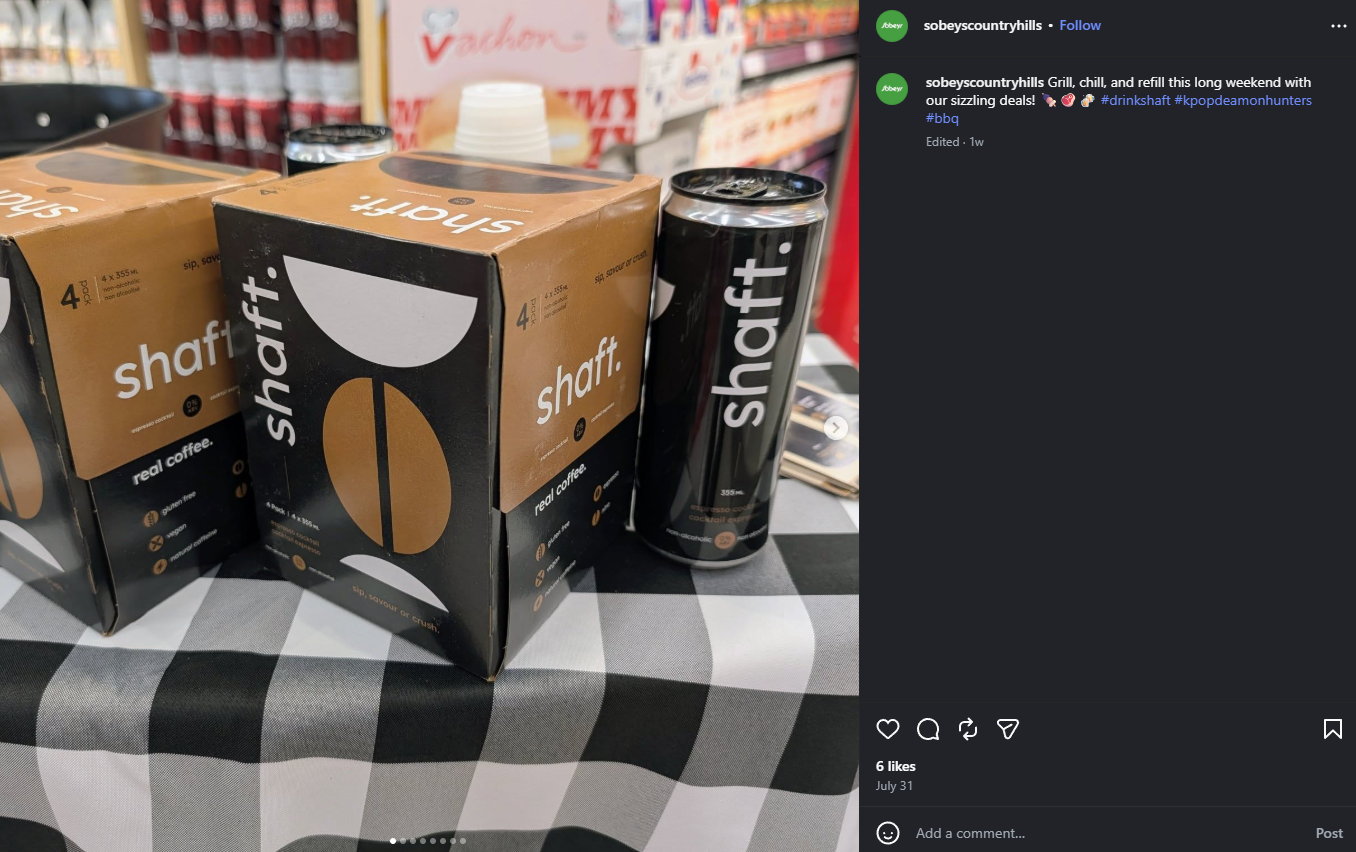
Product Promotion - Sampling
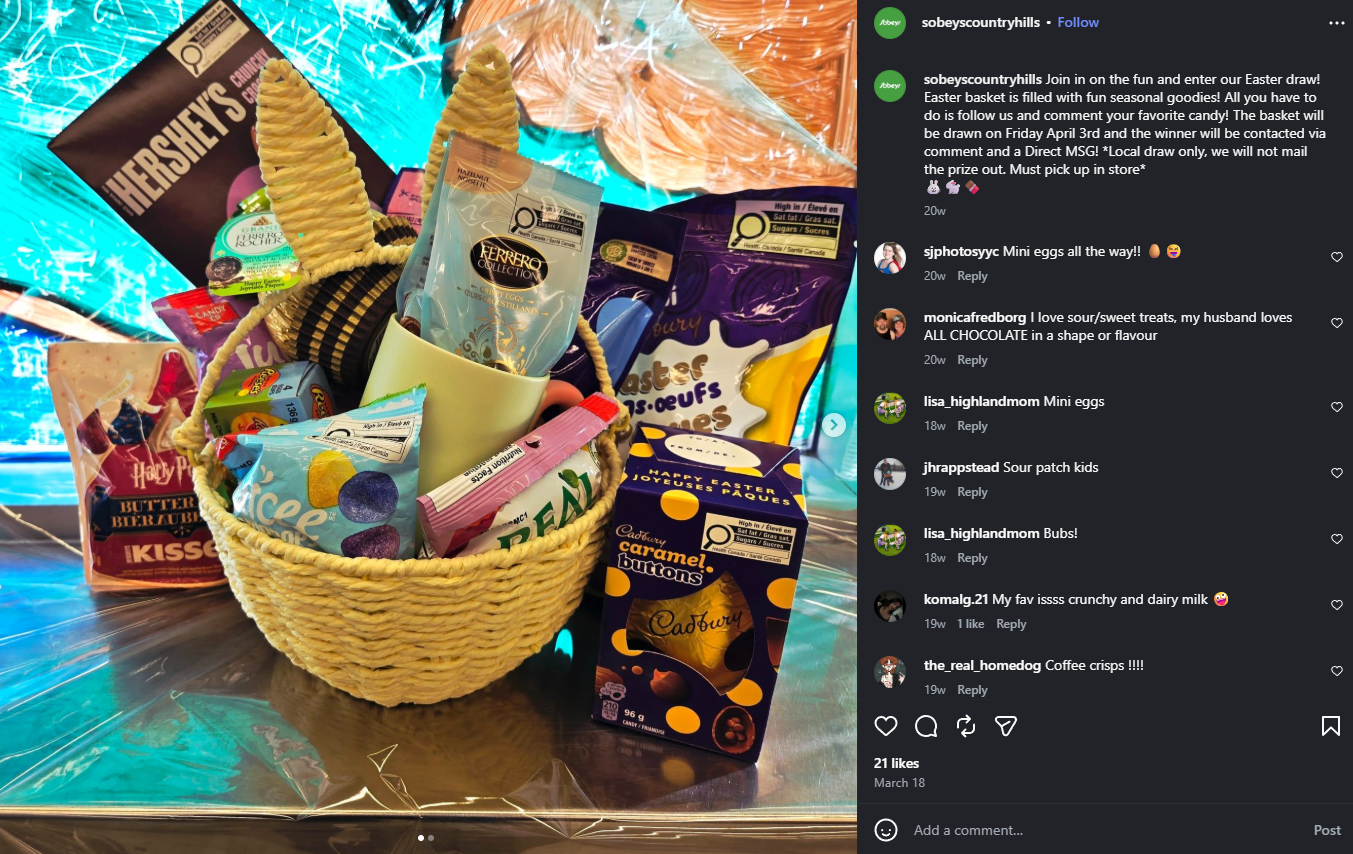
Easter basket - Holiday community giveaway
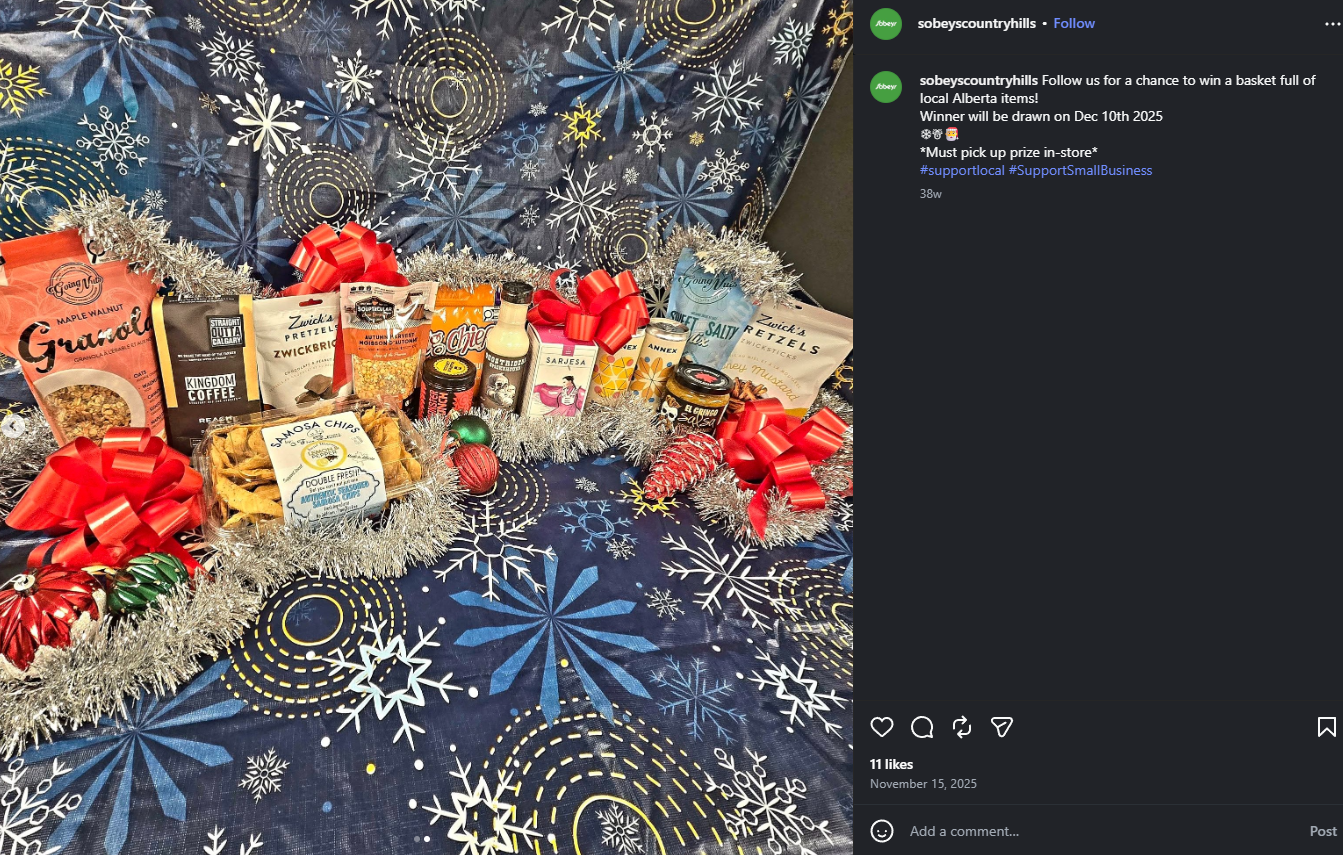
Local giveaway for our Community
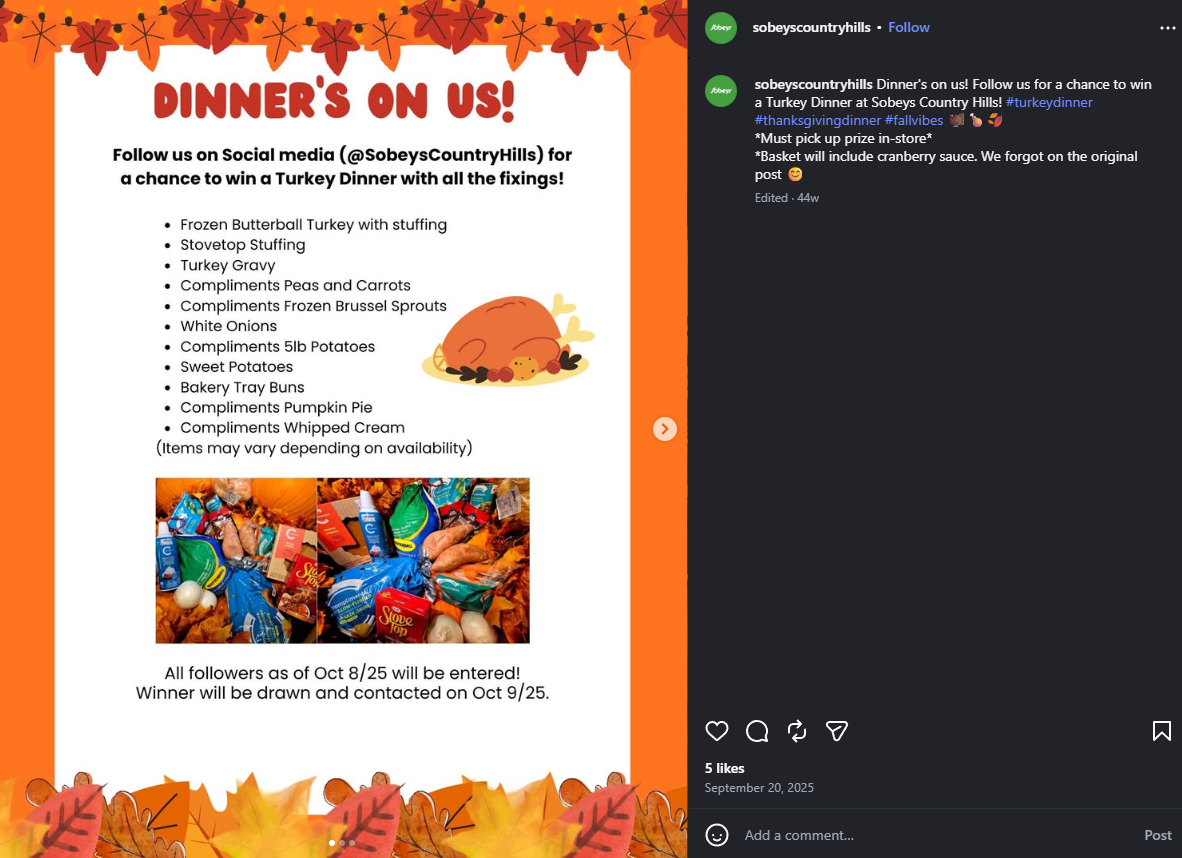
Designed promotional graphics for a Holiday Dinner Giveaway using Adobe Illustrator and Canva. Adapted the creative for both Facebook and Instagram as well as printed in-store advertising, maintaining consistent branding across digital and physical formats.
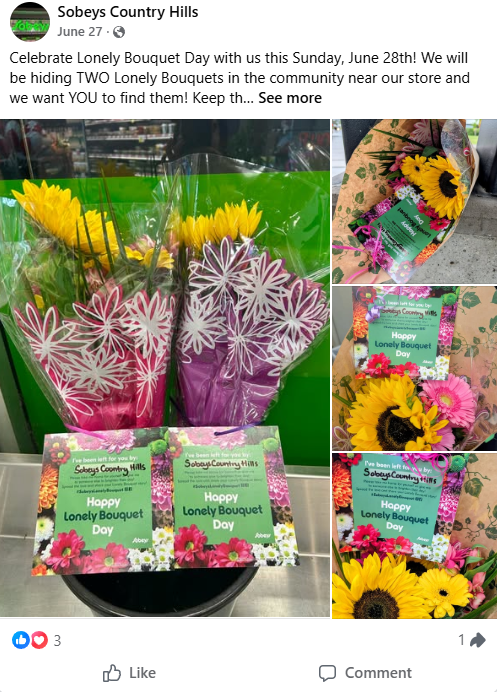
The Lonely Bouquet - giveaway
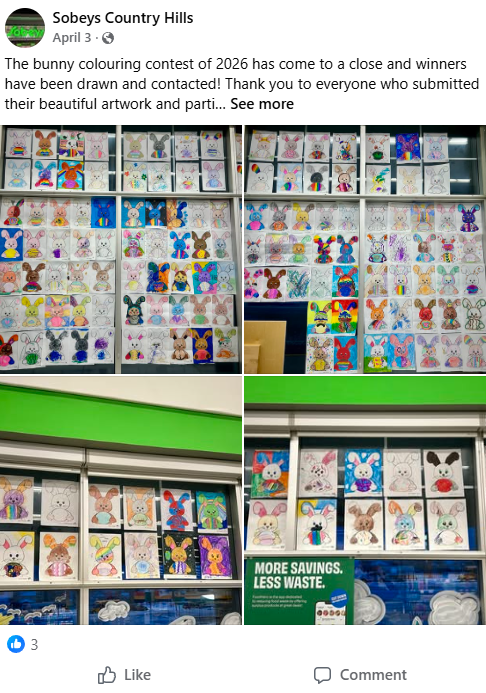
Easter contest wrap up and announcement of the winners!
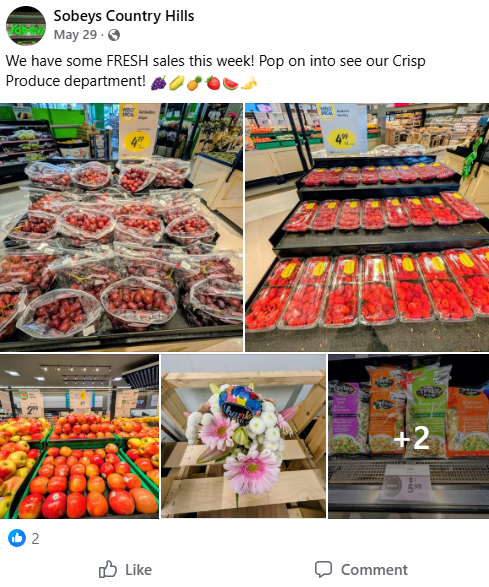
A weekly summer post
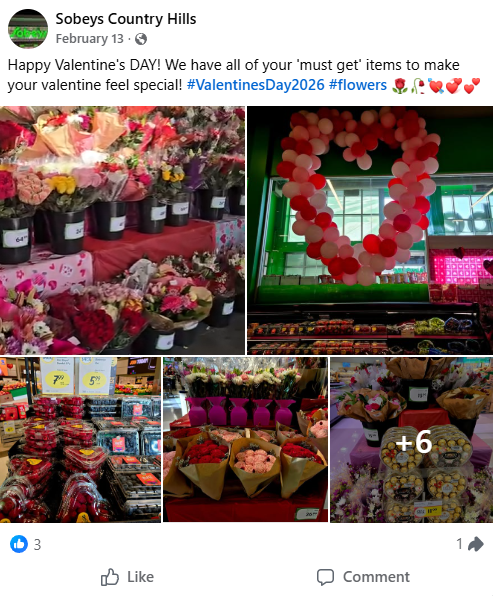
Created and coordinated a large Valentine's Day social media campaign, including short-form videos and edited photography for Facebook and Instagram. Produced and assembled the visual content to showcase seasonal offerings and engage the store's audience.
Motion Graphics & Animations
Current Project:
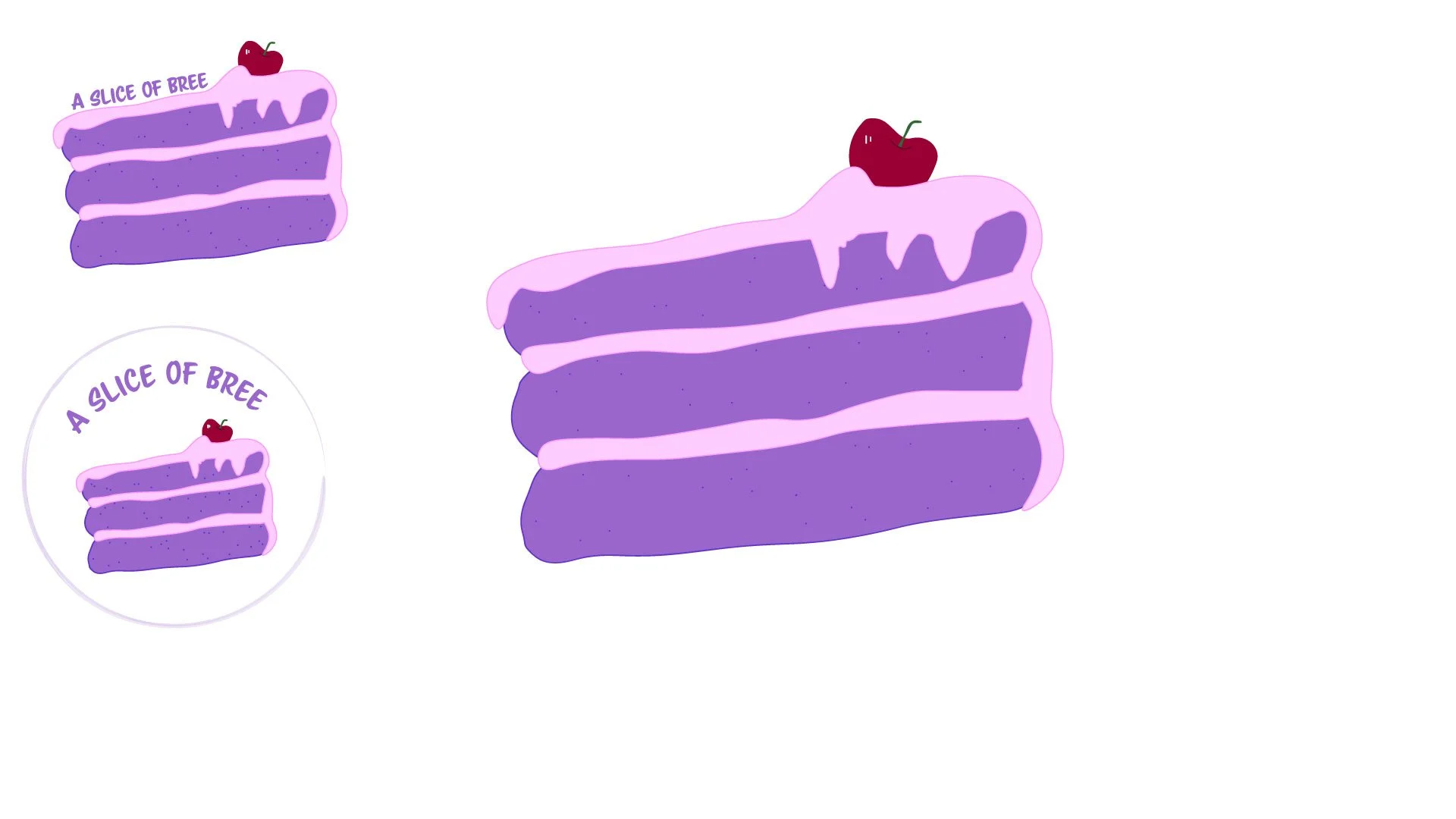
Currently, I'm crafting a detailed 3D version of my cake logo to animate and showcase on my website's landing page. I have used 3D Maya before, but I am not as skilled with the 3D Modeling tools in Adobe After Effects. To challenge myself and gain more knowledge about one of my favorite programs, I have decided to use After Effects for this animation. I will give you an update on the project once I have made more progress in completing it, so check back for more!
3D animation of my logo:
Mobilize 2.0 was a rebranding project for the Salvation Army’s vision for Canada. This was a massive project that I was excited to be a part of! We did five videos with opening and closing animations, seven reports (pulse reports) that included customs graphs and designs and were later translated into French, AD’s for the website, new and refreshed logo, posters for the offices, and infographics for meetings.
Unfortunately, this whole project got cut about a year into working on it, but it still has some of the best examples of what I can do. Here are some of the animations and motion graphic highlights of the work I did for the Mobilize 2.0 project:
Mobilize 2.0
One of my early projects before officially becoming a employee of Areopagus. This was a quick intro for a video series that explained what Mobilize 2.0 is. Created using Illustrator to create separate layers for the existing Logo and After Effects to edit.
Strategy was the Hub I was tasked with, we each had our own hub to create an animation for. This was one of those projects that was a very good challenge because I had to create all of the assets (except for the logo) in Illustrator then animate them in After Effects. My video and Illustrator files were so massive that I ended up upgrading my old PC for a new one! These are a few of the animations I created for Strategy:
Strategy
One of my absolute favorite projects! This is an animated introduction I created for the Strategy Hub for The Salvation Army. This is the city version of the one before. In this version I animated the airplane flying down the street it was challenging but worth it!
LEADS
The client wasn’t sure what they were looking for as to what kind of animated intro they wanted I was tasked with making something that defined Strategy visually without using the general ‘arrow and target’ image. So I came up with a map that the paper airplane would have to get through obstacles in order to get to the destination. The client loved it but wanted something more modern so the intro with the city is what this turned into.
A continuation of the previous video this is the outro for the animation intro. This was made using the same programs - Illustrator and After Effects.
Leadership Development is a section of the Salvation Army that teaches volunteers, officers and staff how to become a leader. They have educational videos, articles and classes for those that are interested in pursuing a leadership role. Our team was tasked with creating five videos, thumbnails for videos, a new website, a placeholder mat and infographics for meetings.
Here are some of the highlights of what I did for the Leadership Development project:
Leadership & Development
This was a wonderful project that included five educational videos for Leadership Development: a subsection of The Salvation Army’s educational programs. There was a lot of talents, meetings, and coffee that helped create and finish this project. After the concept and ideas were finalized the team started working with a illustrator who created all of the images. After the images were created I was tasked with taking those illustrations and ‘re-drawing’ them in Doodly. Doodly is a software that can create animations that look like they were drawn on a whiteboard. With these complex illustrations I used Doodly to animate all of the lines to look like they we drawn in real time by re-drawing each line in the illustration. Once I had one illustration done I would use the tools in Doodly to create the clips, zoom in and out, and change the timing before exporting to our video editor. We spent a lot of time perfecting each clip and as a result I can now say I am the Doodly expert on the Areopagus team!
If you are interested take a look at the site:
Miscellaneous
We did a complete overhaul of their website using a website builder and adding code when necessary. There was a lot that went into this project like: creating thumbnails for the videos, editing pictures, writing CSS and HTML5 when the website builder wasn’t cooperating, and uploading media. I used the content from the previous site along with new content I was given or created to add to the new site to create a more cohesive experience for the viewer. With my limited knowledge in coding I was tasked with creating this site with Makayla who used Adobe pdfs and web tools to send me changes and designs of what they wanted the site to look like.
If you are interested take a look at the site:
Leadership Development Website
For one of my practicums in College I had the opportunity to do interviews with some of the Model’s at Hazzardous Material. This is the motion graphic introduction I did for the company and for those interviews.
This is a wedding invitation I made for a family members wedding. They wanted to send a digital invite that the guests could watch on their phone through email. We used a photo of watercolor jewel toned flowers to create a growing animation. They also wanted animated text and music added. I ended up using a lot of the Adobe Suite with this project: Illustrator, Photoshop, After Effects, and Premier Pro.
Here is a really early draft I sent the client along with a few color variation jpegs to help them decide on a direction. We ended up with the design before this one but I wanted to show a where we started vs where we ended up!
Design
Below is a gallery of many of the layout or print projects I worked on at Areopagus for the past two years. As a graduate from New Media Production & Design I was taught and trained how to use the Adobe Suite apps together. To design the seamless projects below I mainly used Adobe InDesign, Adobe Illustrator and Adobe Photoshop. Click on the designs to see them better!
Designed Pulse Survey findings for 7 provinces. After I did the initial design another designer took over to refine the document while I was away and when I got back I completed the documents. We had another designer do the initial graphs for one of the documents but I edited them all for the rest of the information in each of the 7 provinces as well as made some additional graphs. Created using Adobe InDesign and Illustrator.
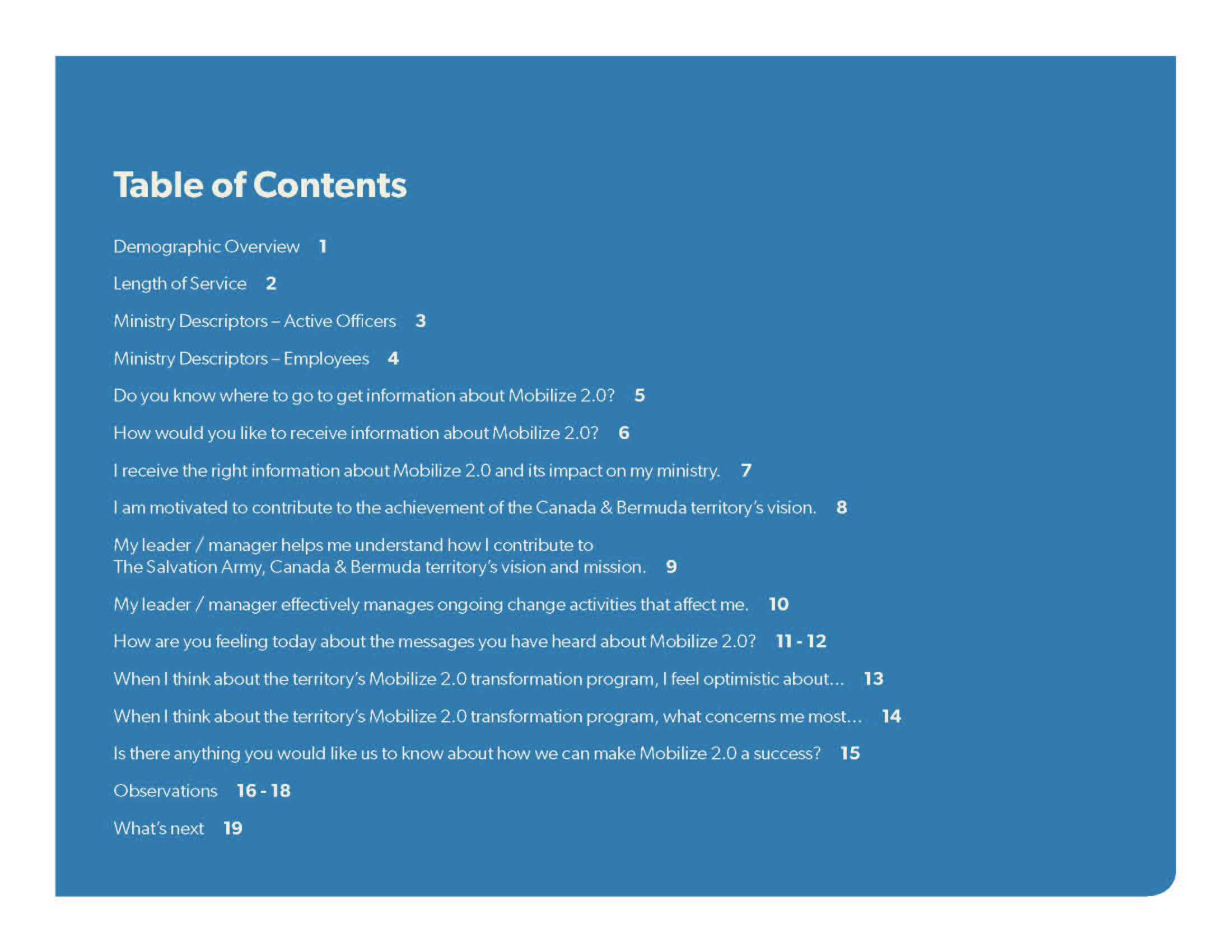
Created a linked pdf for the Pulse Survey to make it easier on everyone who was viewing it.
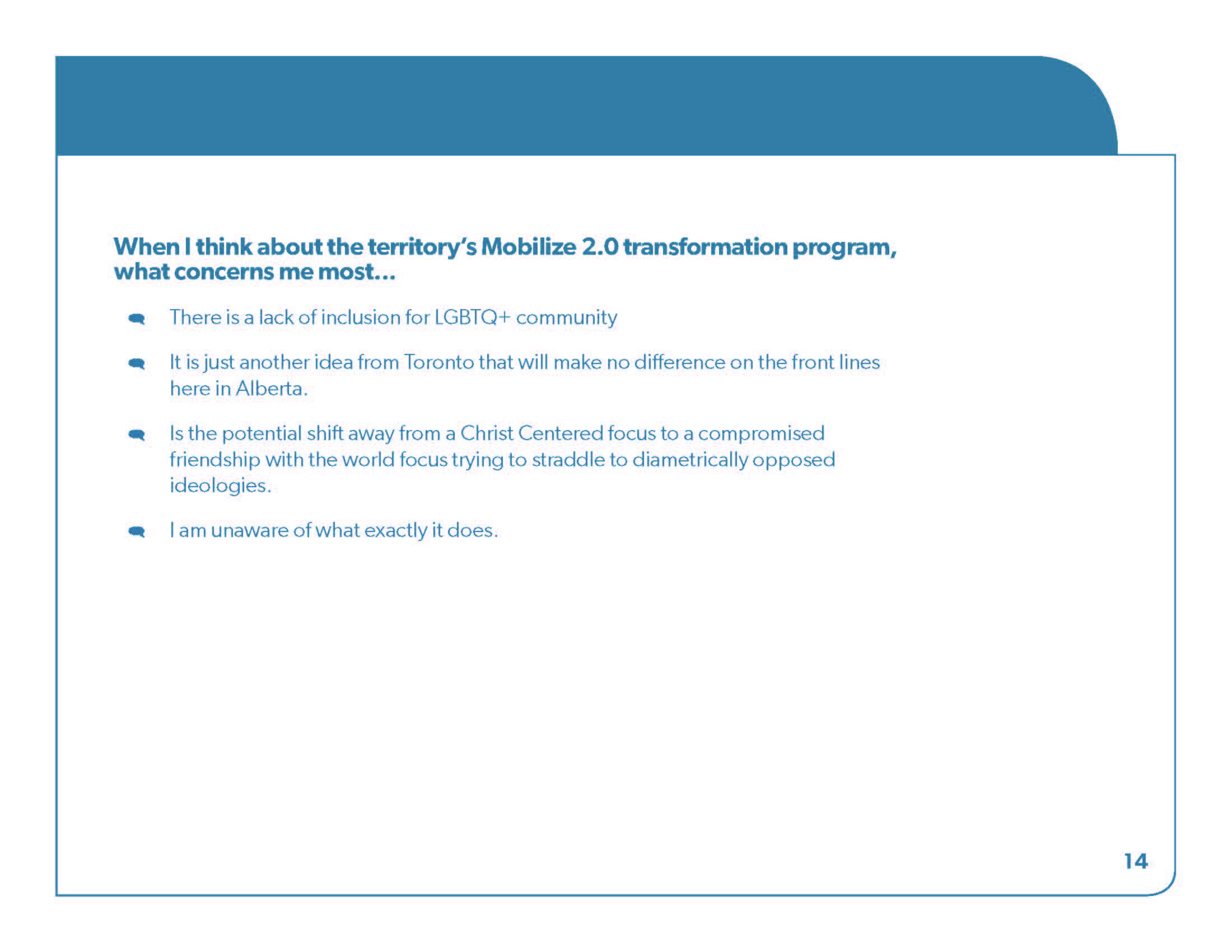
This is one of the pages from the pulse survey, we made three that would cycle through the document to keep it interesting! This design was based on recipe cards and using the color pallet that was created for Mobilize 2.0.
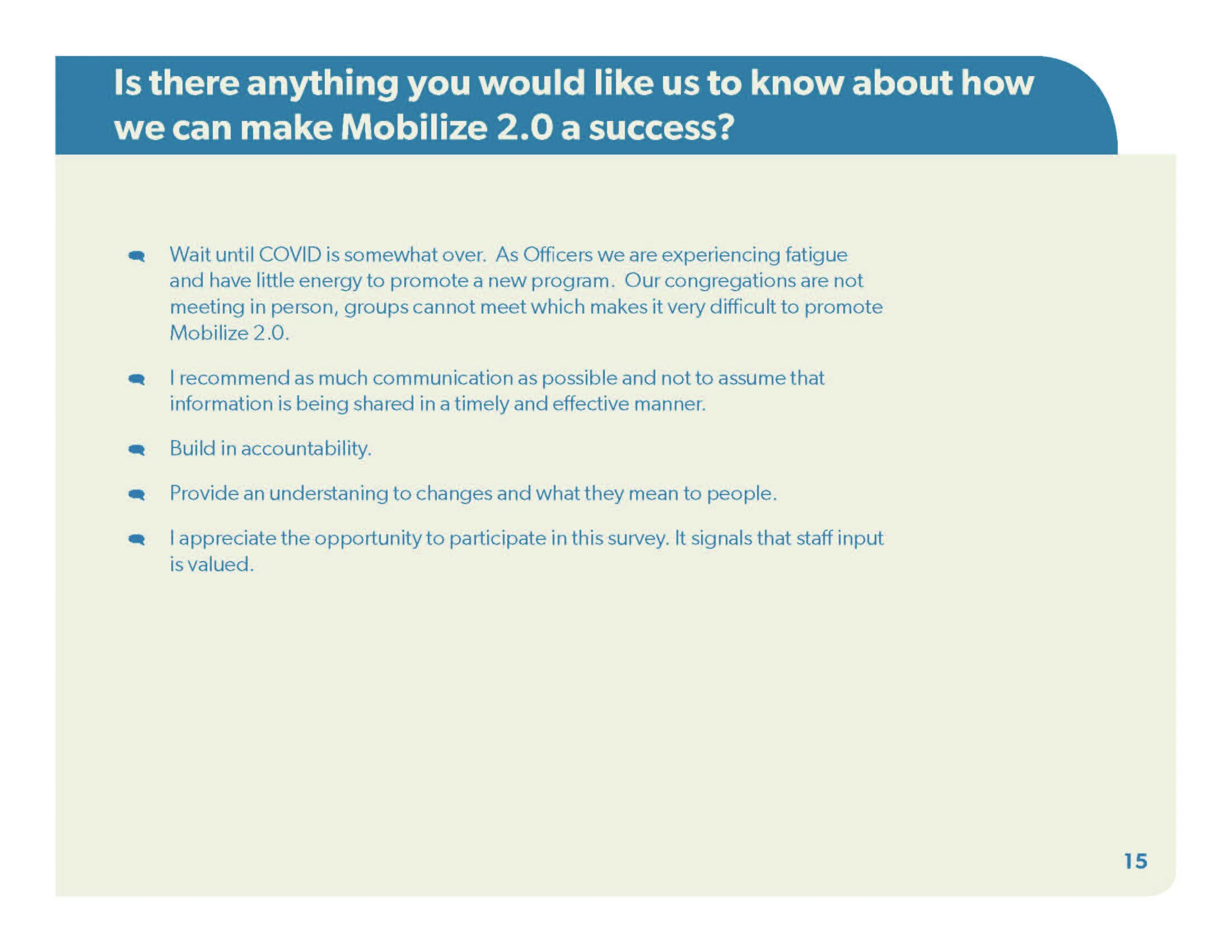
Here's the other recipe card design!
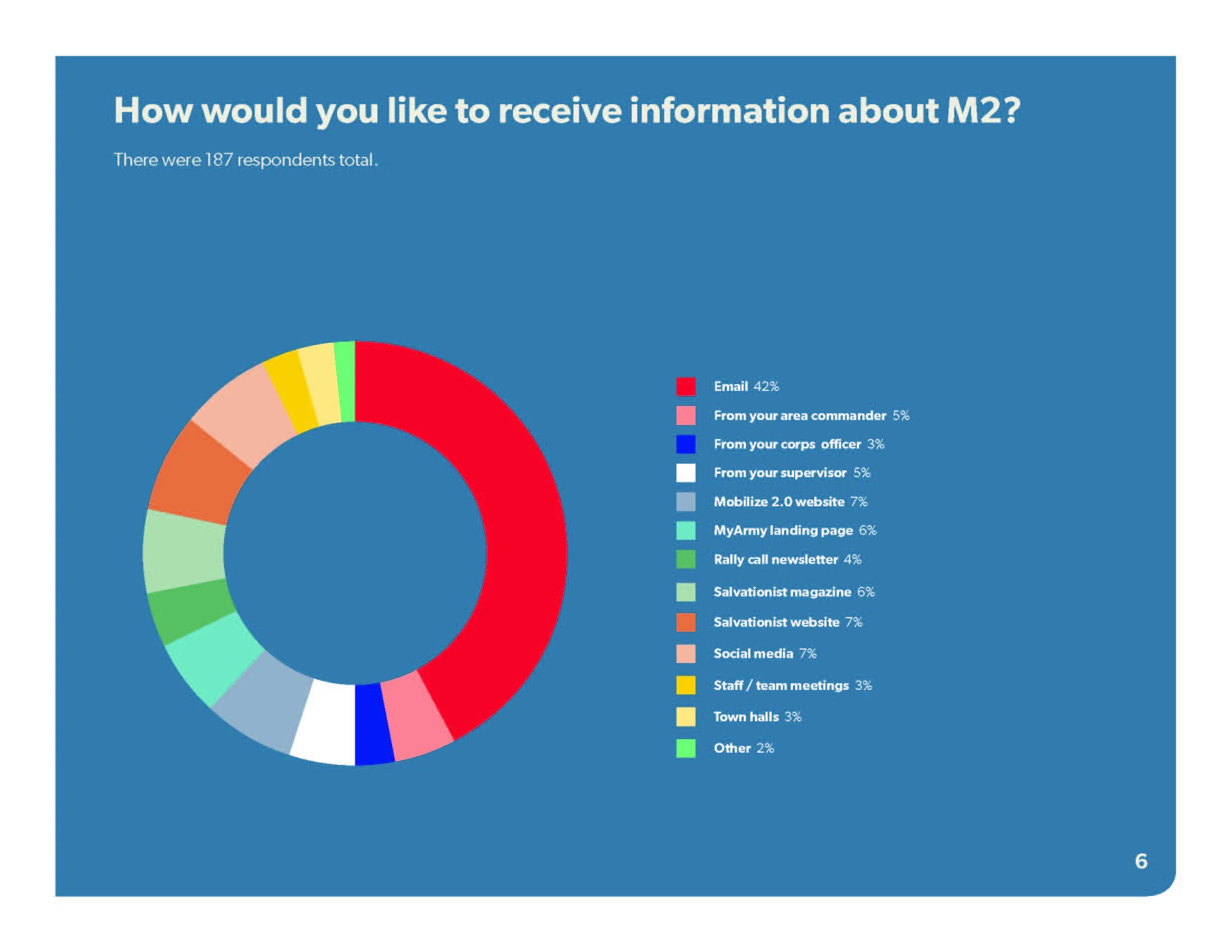
Here is one of the graphs that another designer on our team made, there was a little trouble figuring out how to edit the information quickly and effectively for each of the 7 provinces but we figured out how to edit the information in InDesign in real time by using an open project of Illustrator.
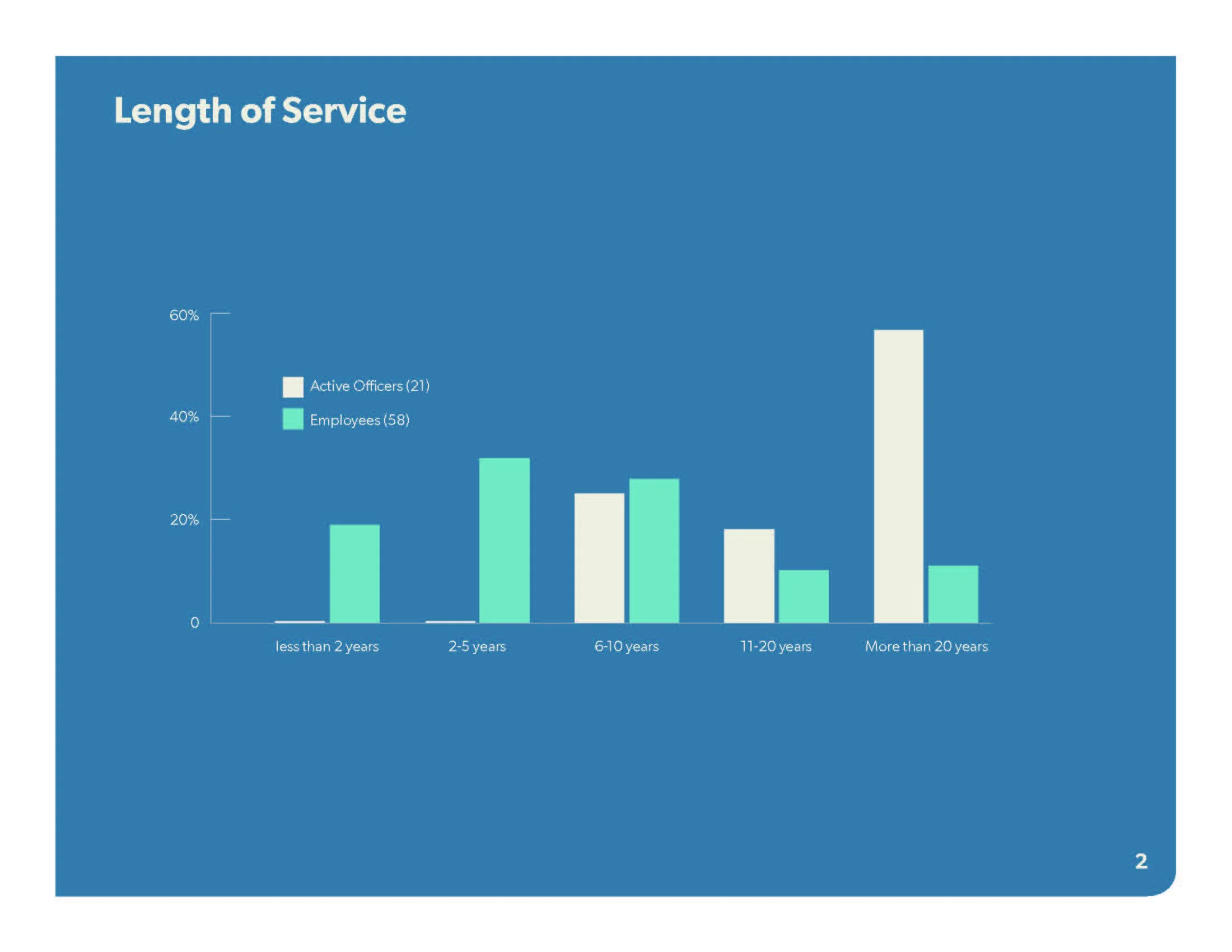
Here's another graph for the Pulse Survey!

This is the simple back page of this document, because it was content heavy we wanted to create a title page and back page that wasn't content heavy.
Another one of the earlier projects I did for The Salvation Army, this one is a prayer journal or a vision journal that employees or volunteers could digitally write in or print and write in. This document was created using Adobe InDesign.
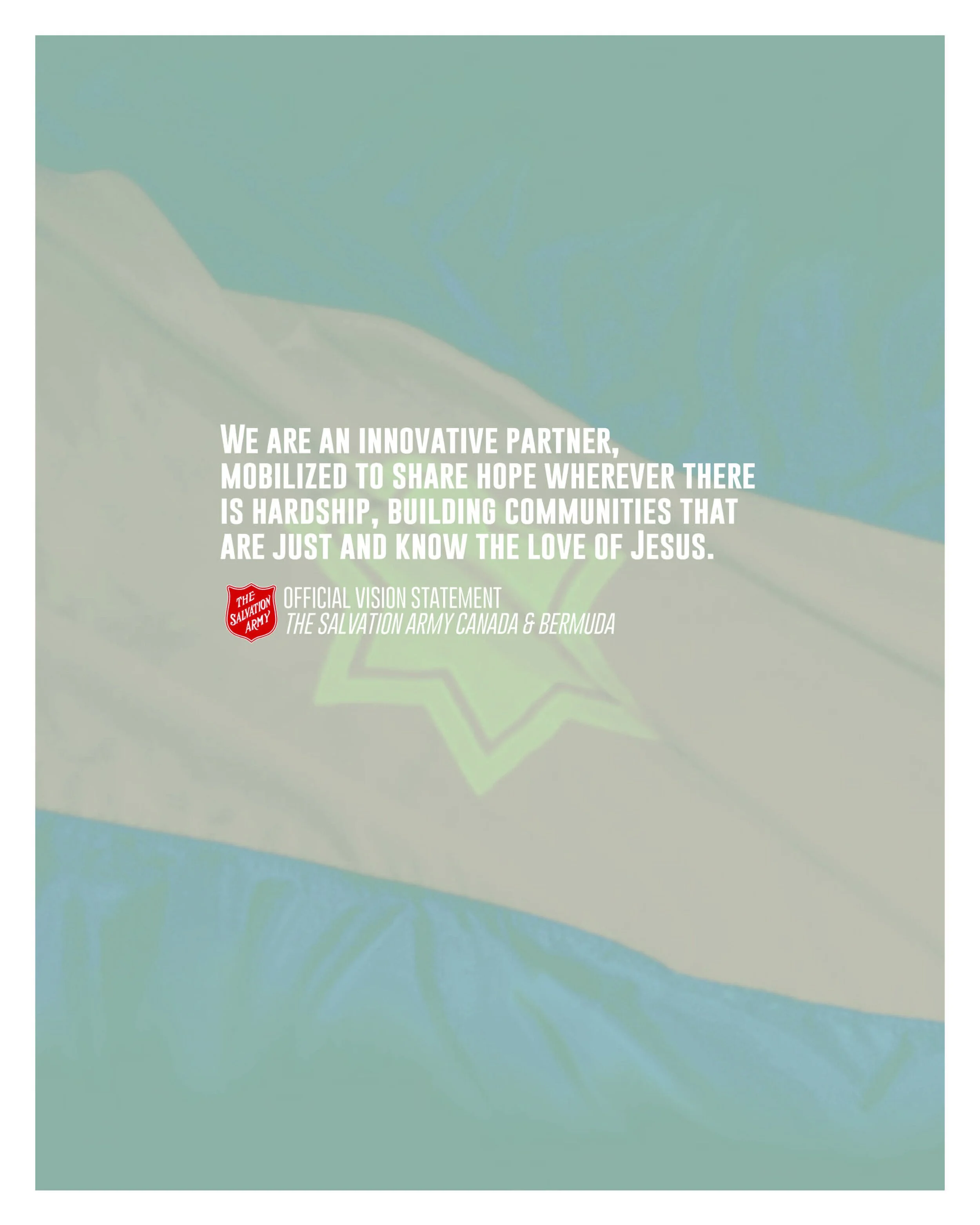
A quote page to inspire the person writing in the journal.
There was four weeks in each journal for each month.
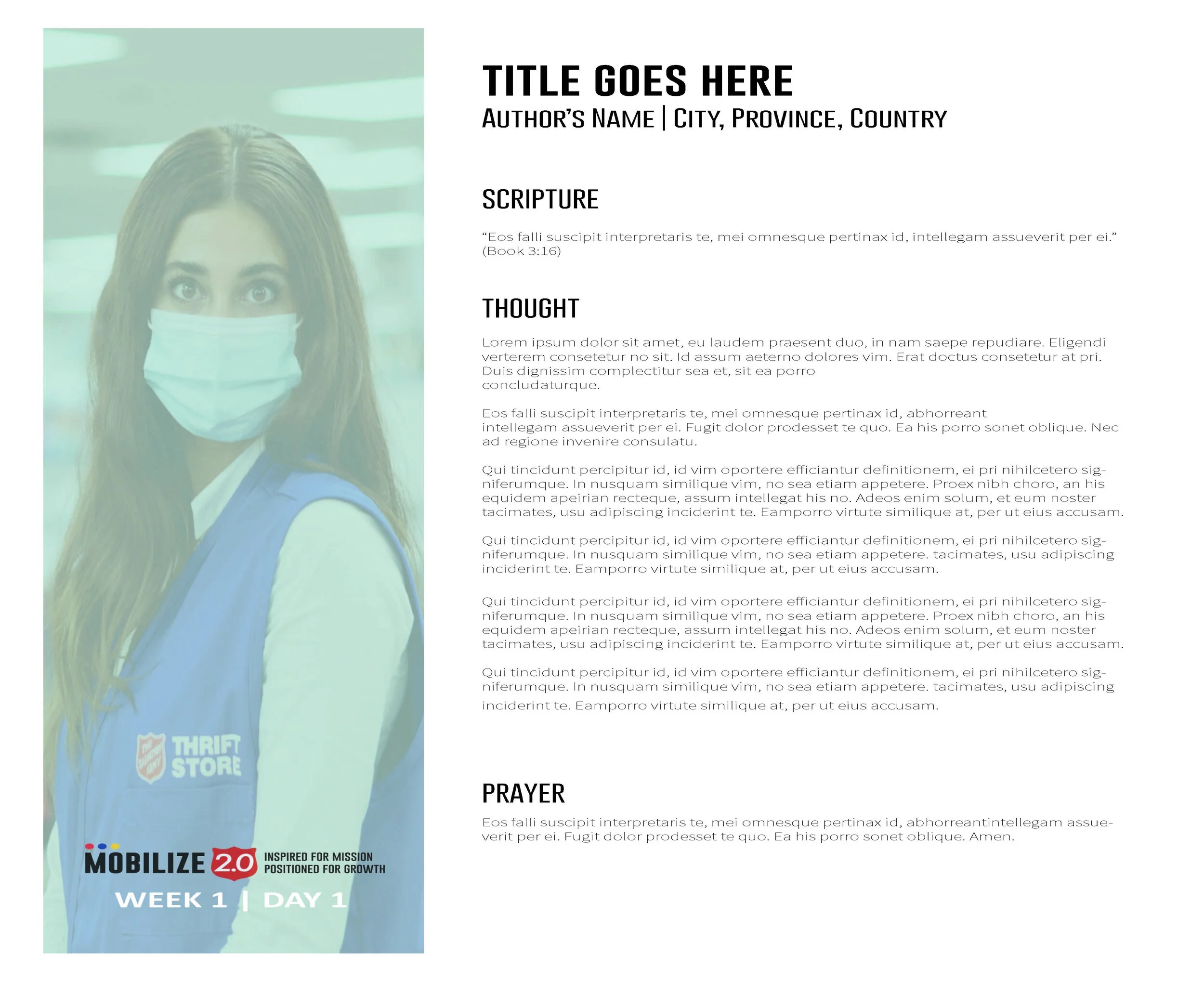
A page from the journal. Each week had seven days and each page was in the same format but had different pictures for each day of the month these were mostly pictures of Salvation Army officers, employees and volunteers.
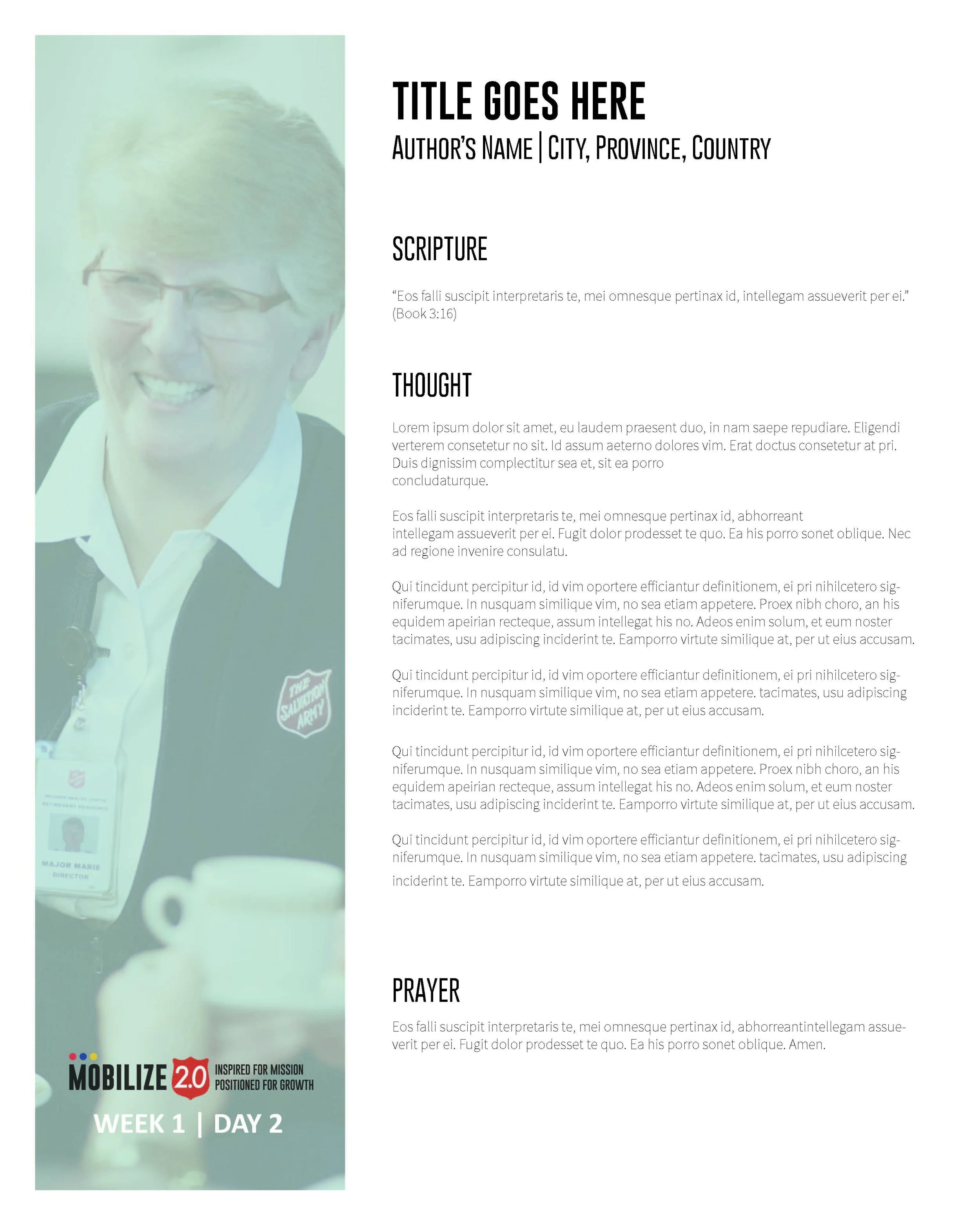
Another page from the journal.
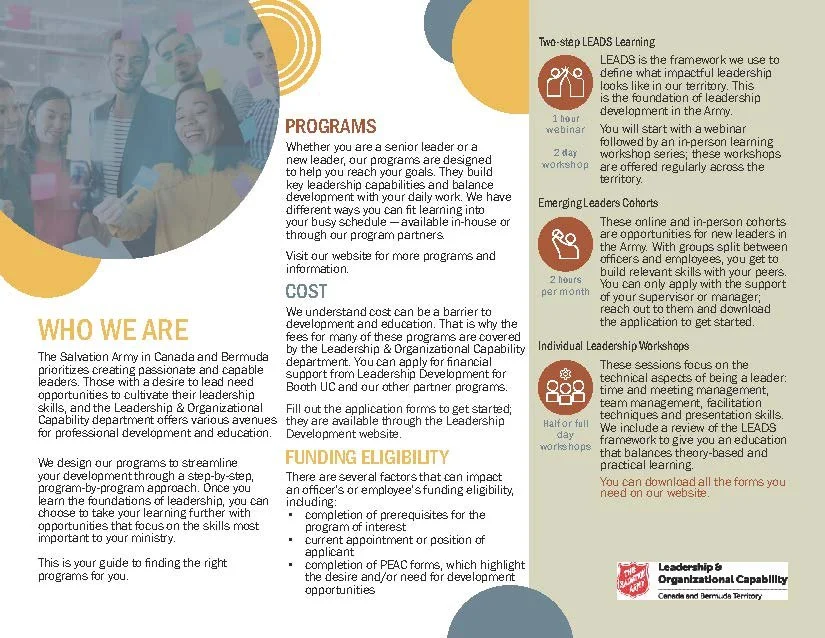
This was one of those projects that had 27+ renditions before it made it to the print shop. There was another designer working on this project before I was tasked to finish it as another previous project I did was completed before this one finished. It changed completely, I redesigned the whole document and went back and forth with the client for a month before it was finalized! This was made using InDesign for the main document and the icons I created in Illustrator.
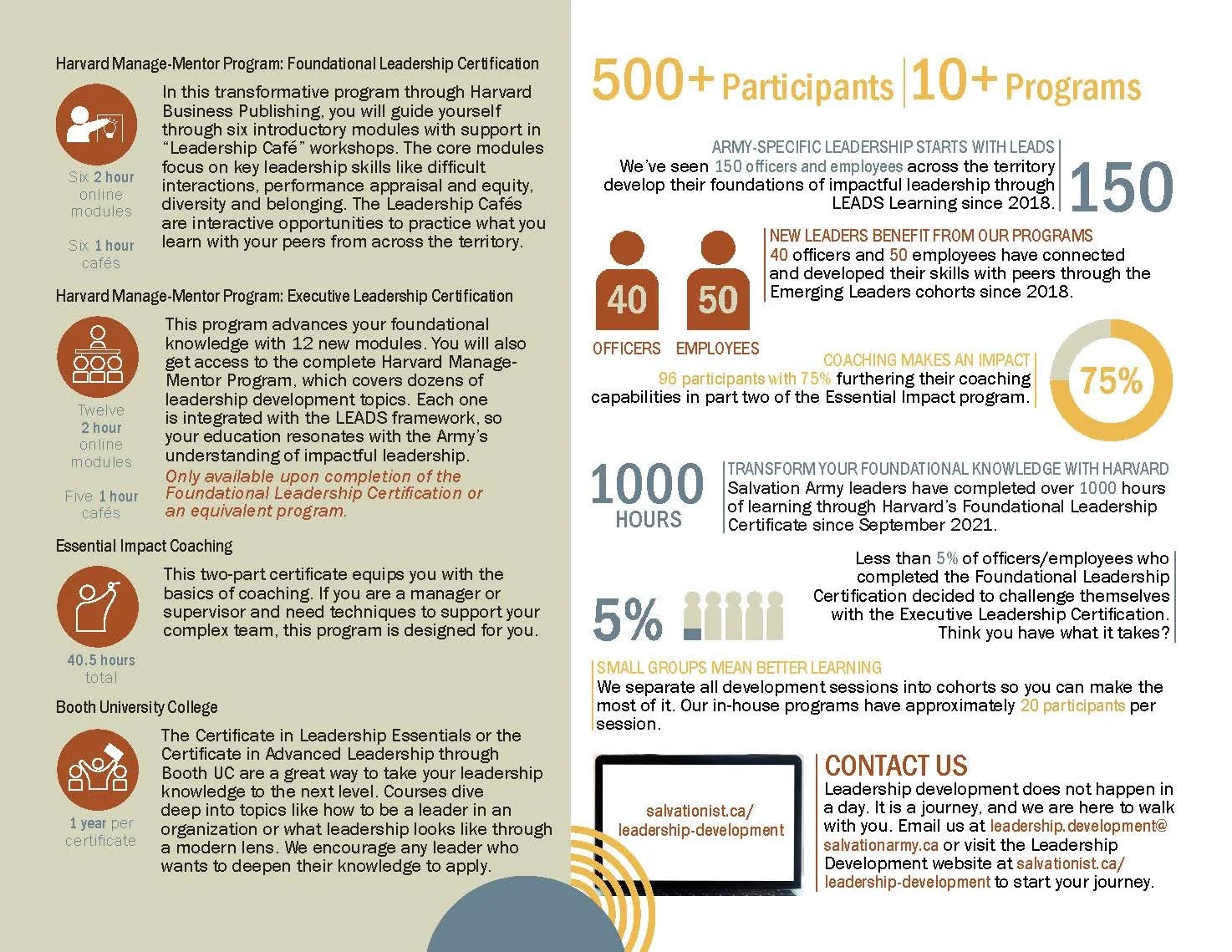
This is the back page of the document. It is a placemat for the Salvation Army cafeteria and it's double sided. It's main purpose is to promote their educational classes.
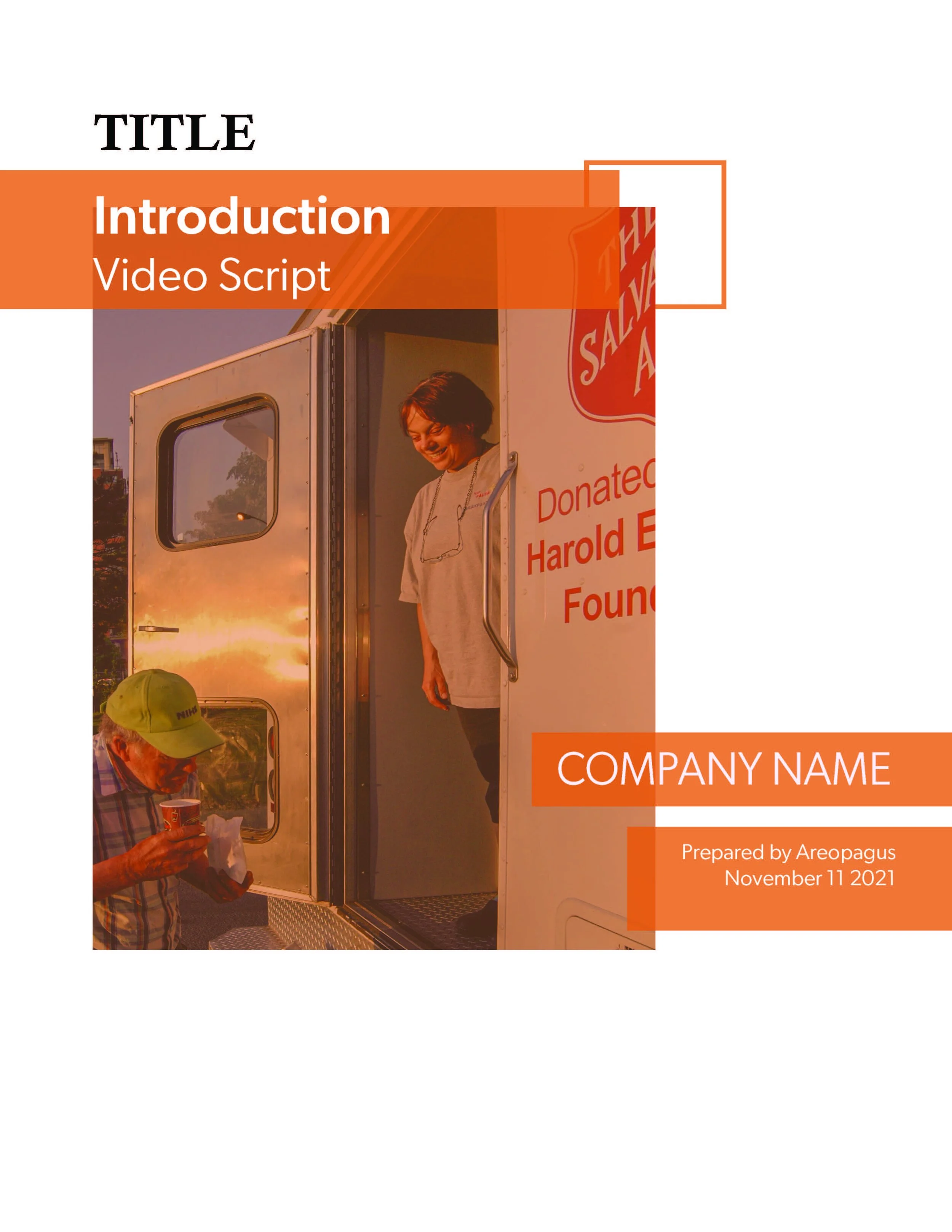
A template I designed for Areopagus. This is a document that they would use to create any proposals, or updates to their clients. Created with InDesign.
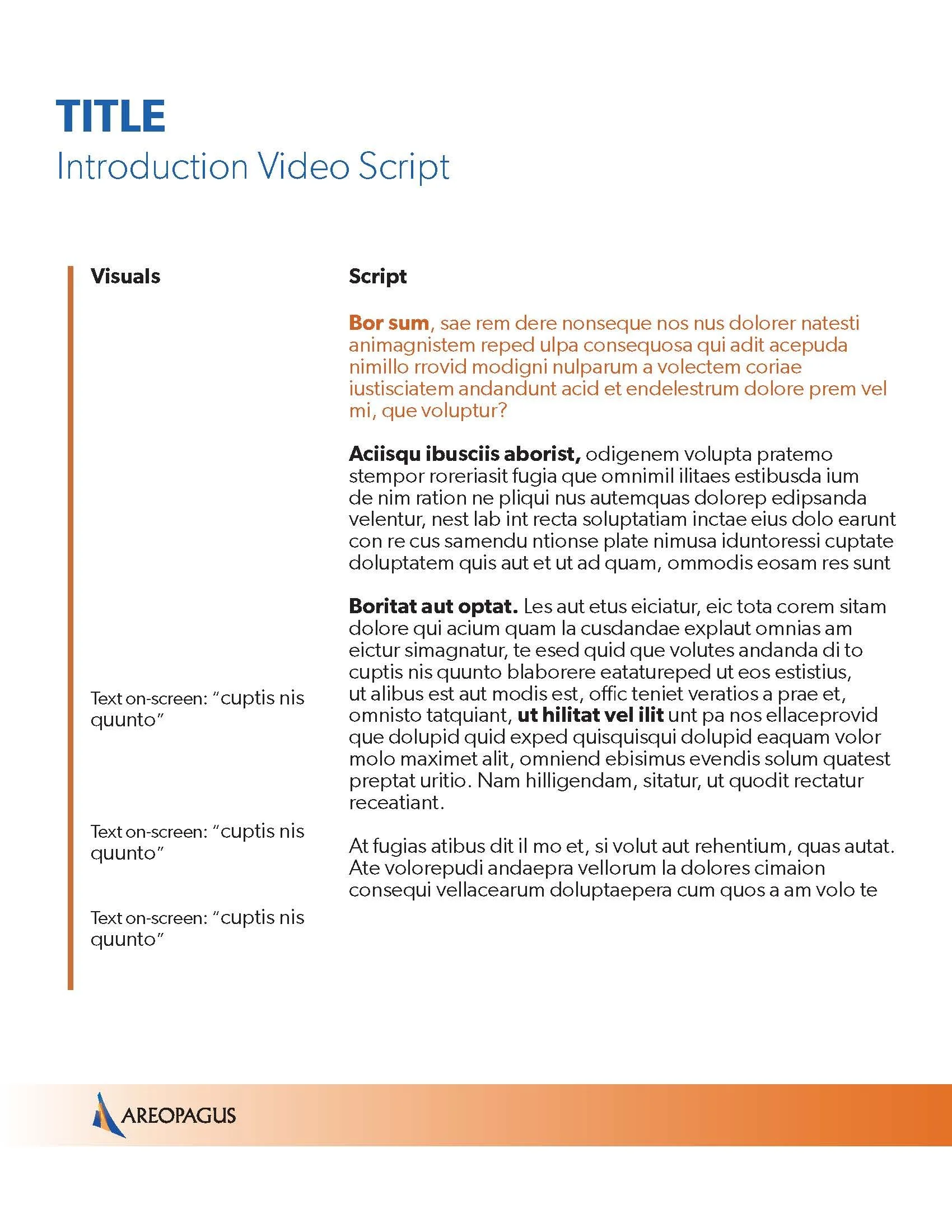
Here's an example of the inner pages of the template for Areopagus.
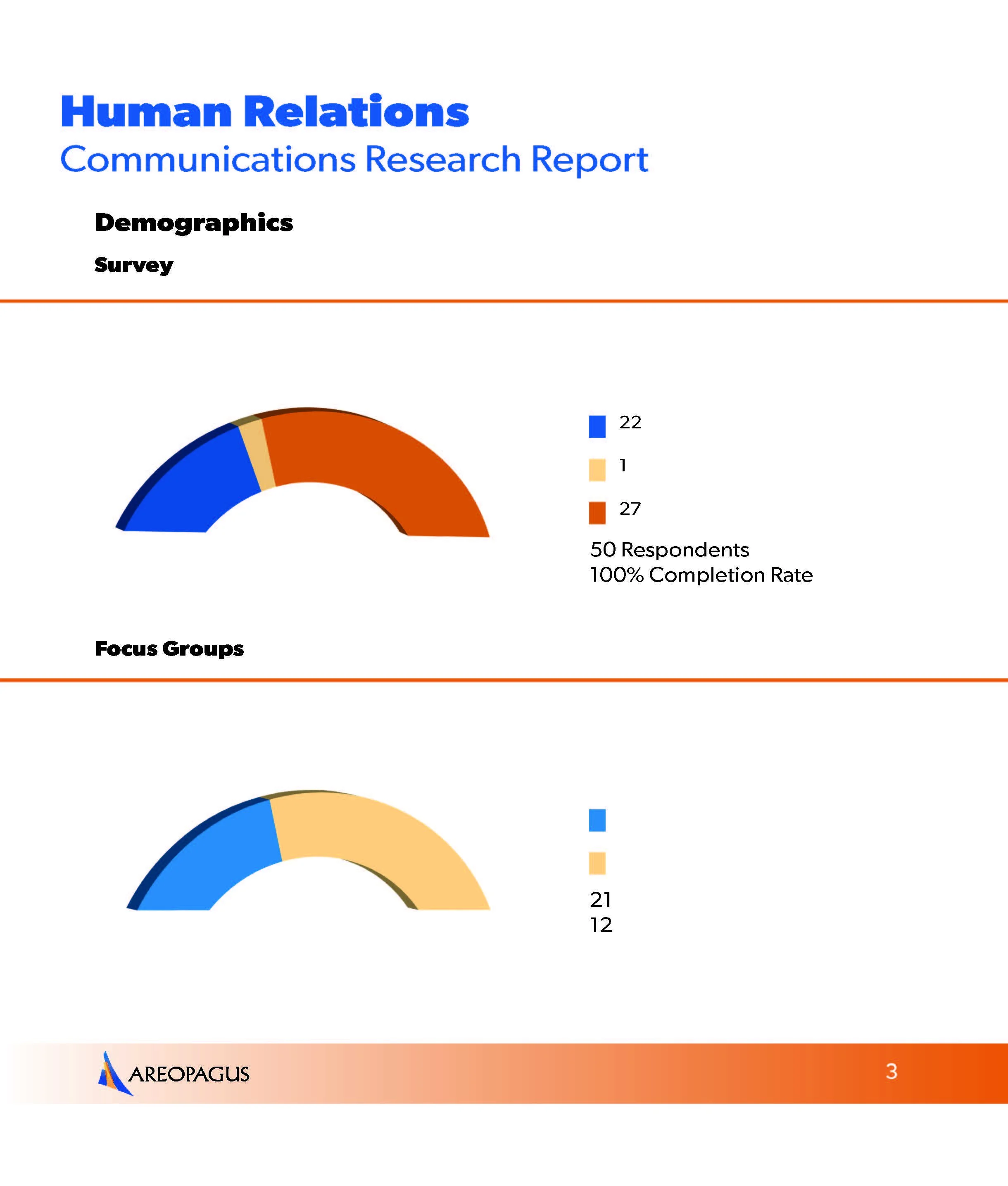
Here's a separate example of some of the graphs we used. Graphs we made using Adobe Illustrator (with some 3D effects).
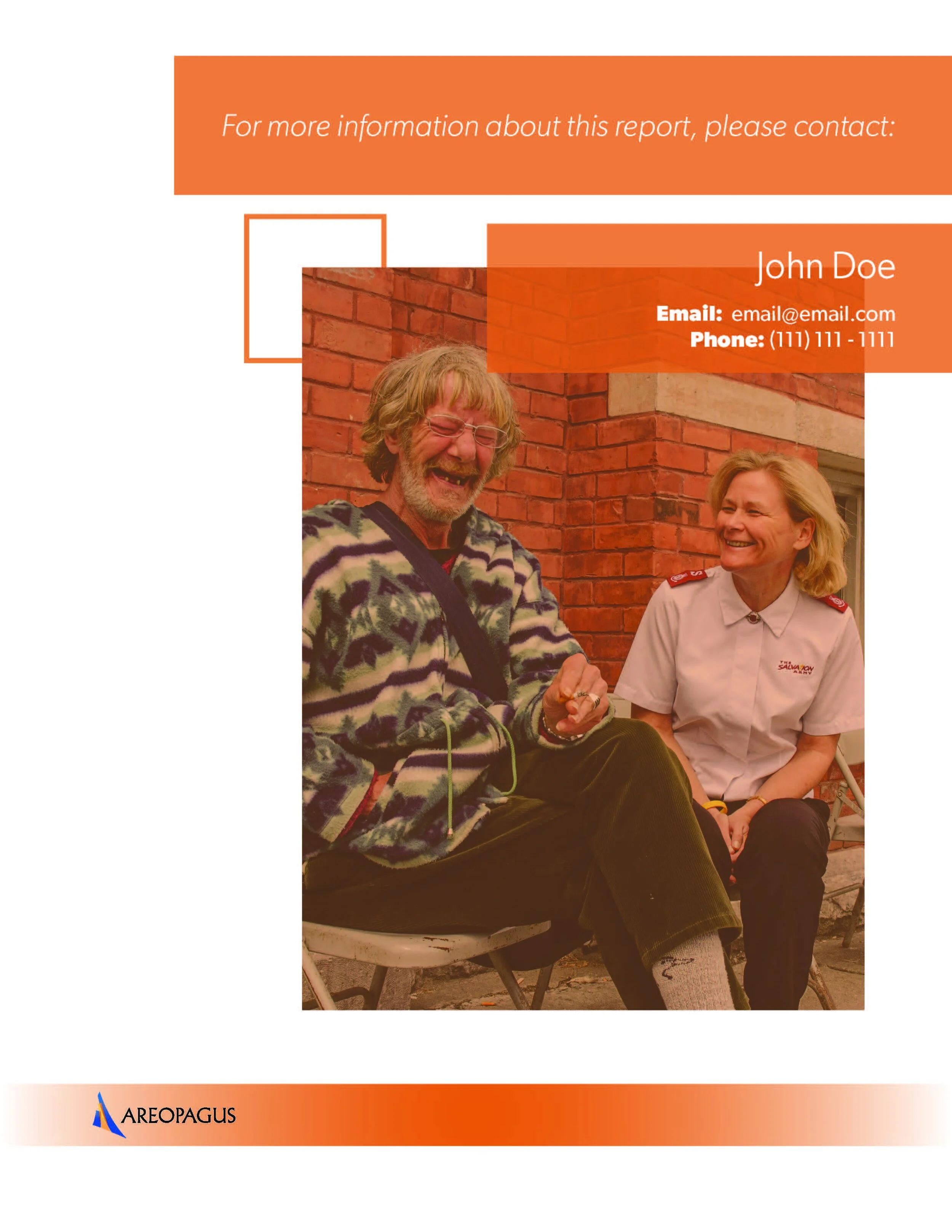
This is the ending page for all of the Areopagus professional documents.
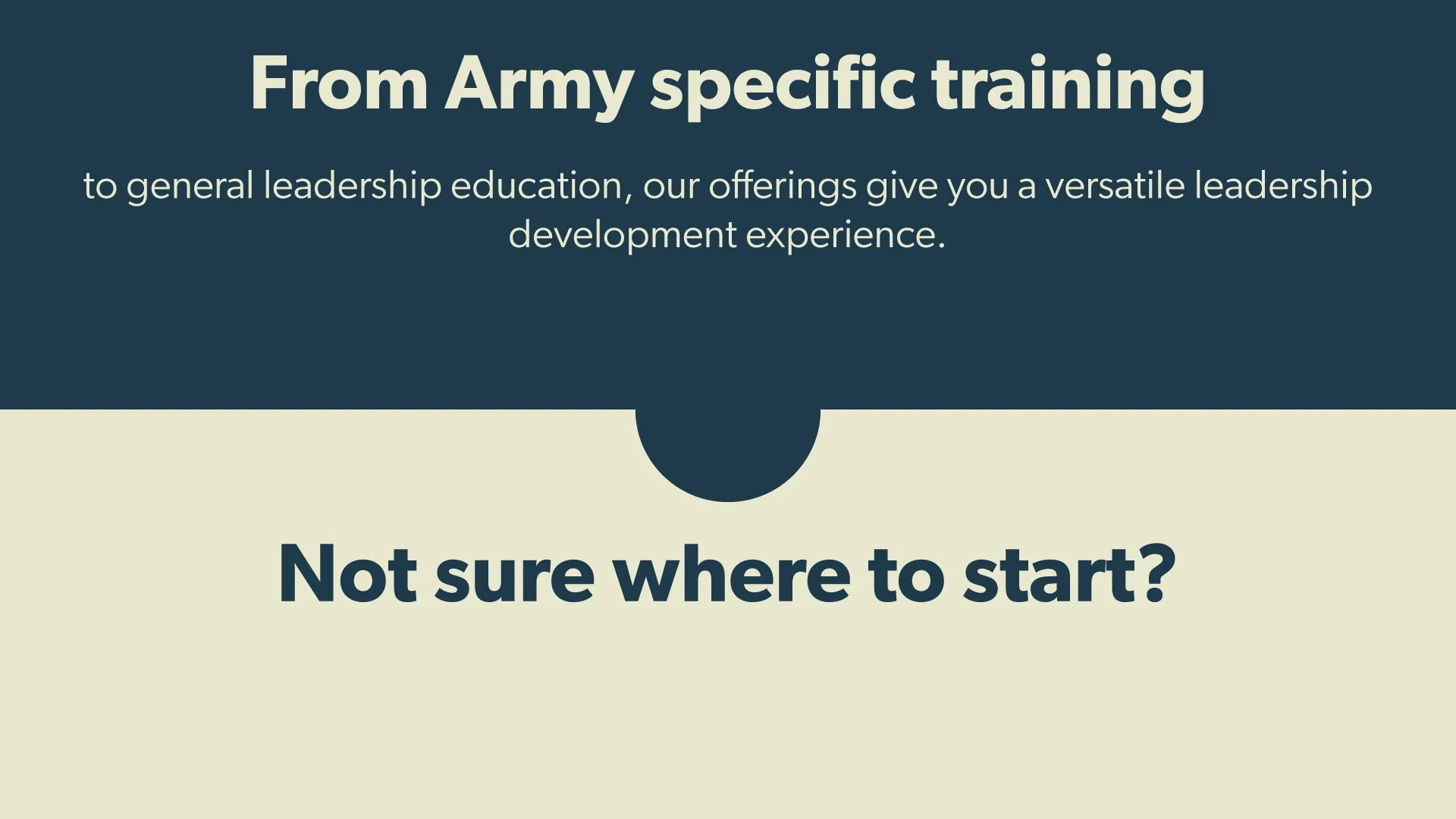
For the website for Leadership Development we needed thumbnails for the videos that we were adding. This is one of them made with Adobe Illustrator.
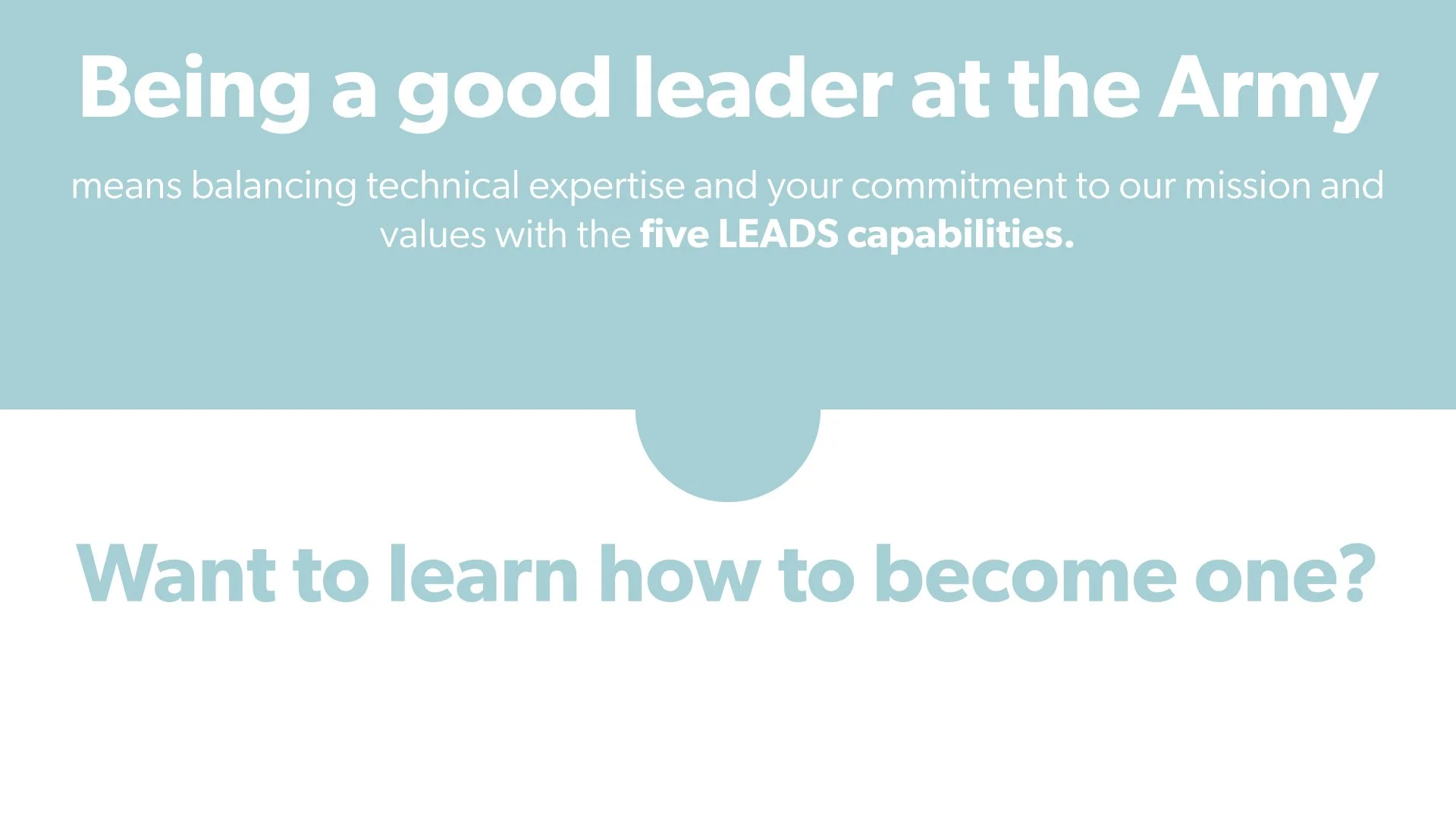
Here's another thumbnail that we used on another page of that website.
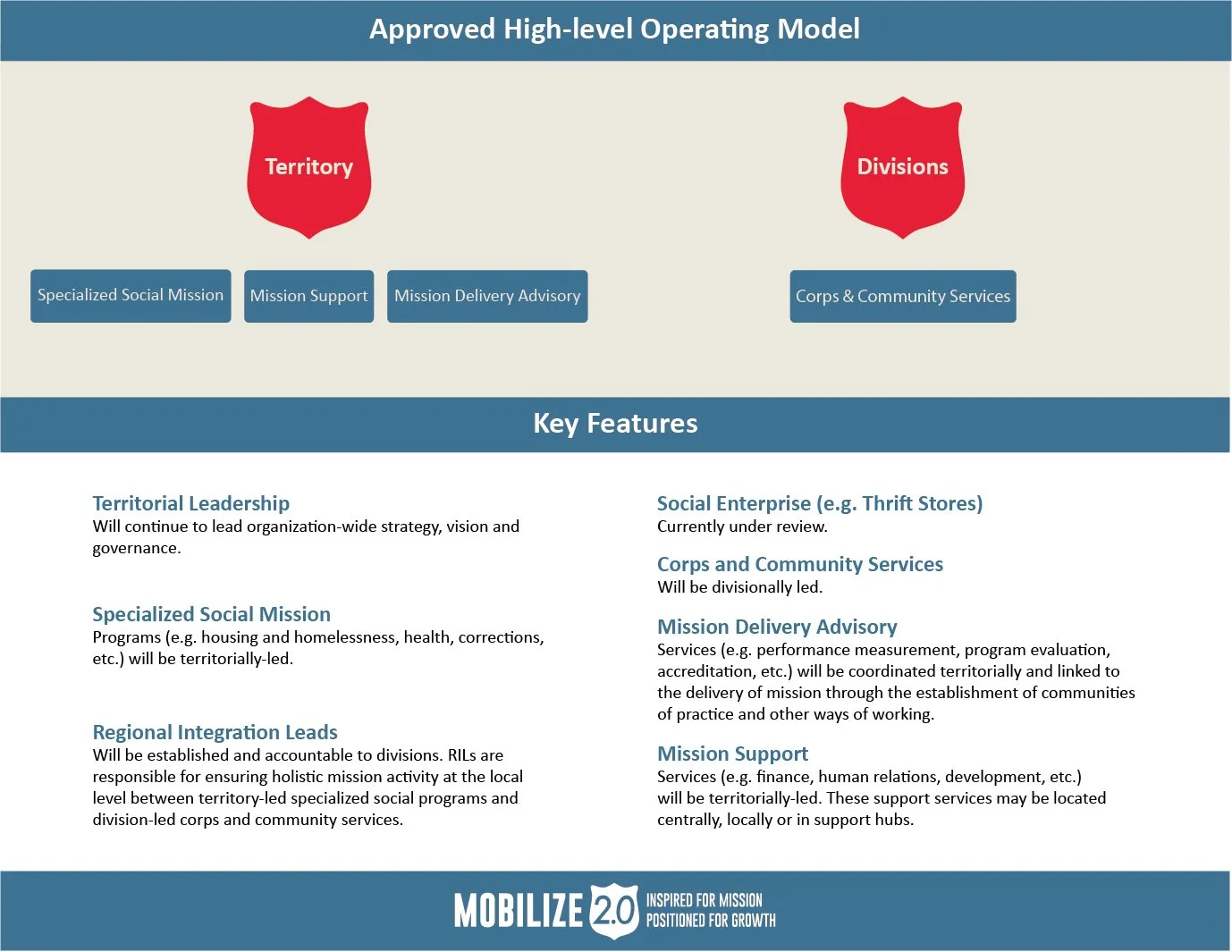
This was a document that the client was in a rush to get finished. They gave me the information and I quickly designed this for them to show at a presentaion.
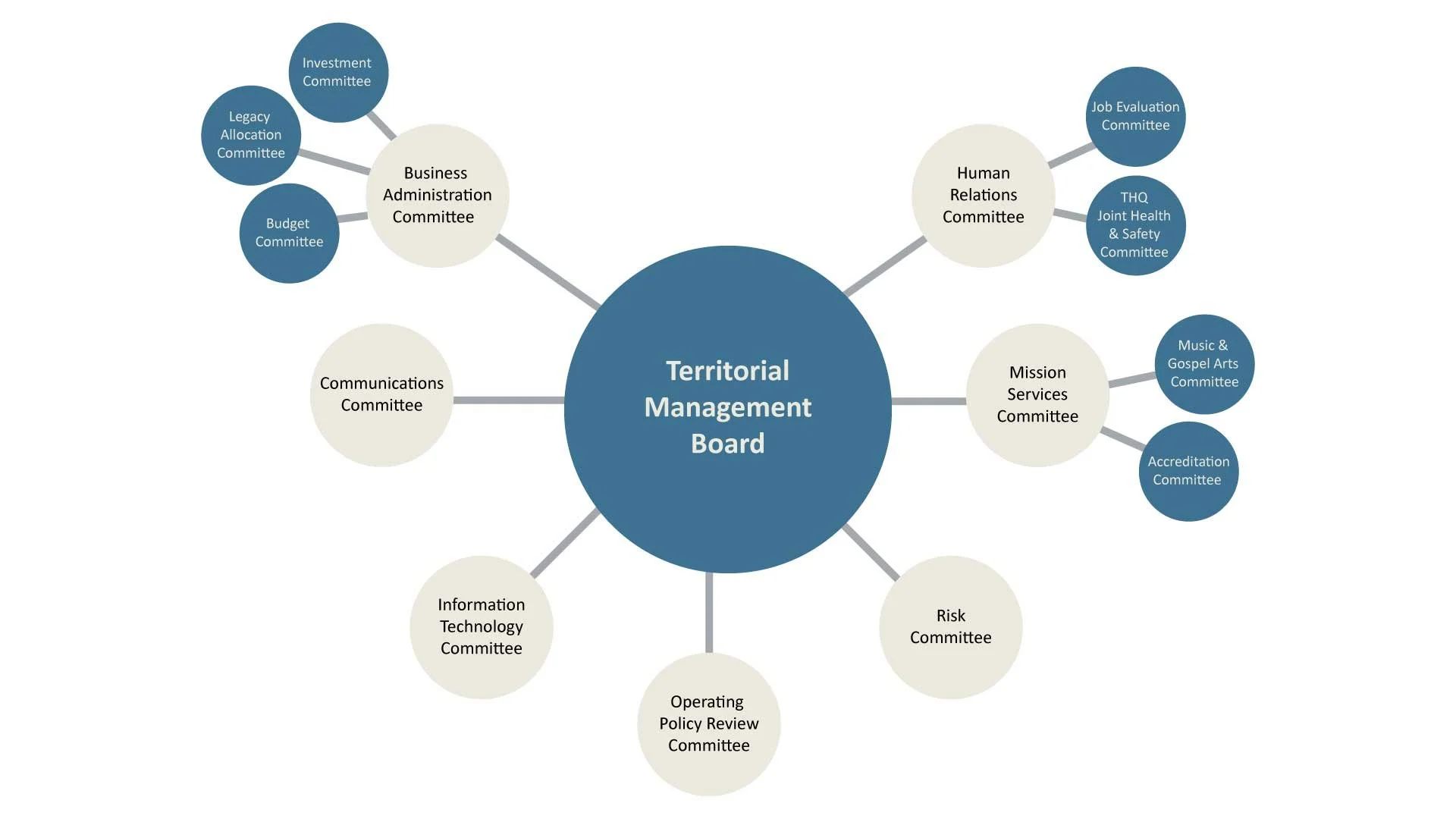
One of the infographics that I created using Adobe Illustrator. This one needed to be a little plain to make the content stand out. I did a whole series of these for the client.
The business card I designed using the Areopagus Logo as a reference. They ended up using these to give out to future clients.
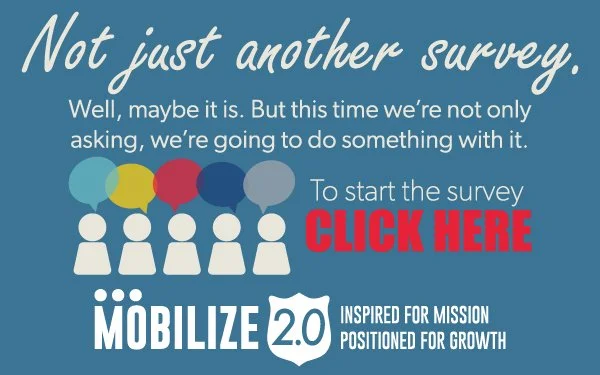
A mobile AD I created using Illustrator. I also did one in French.
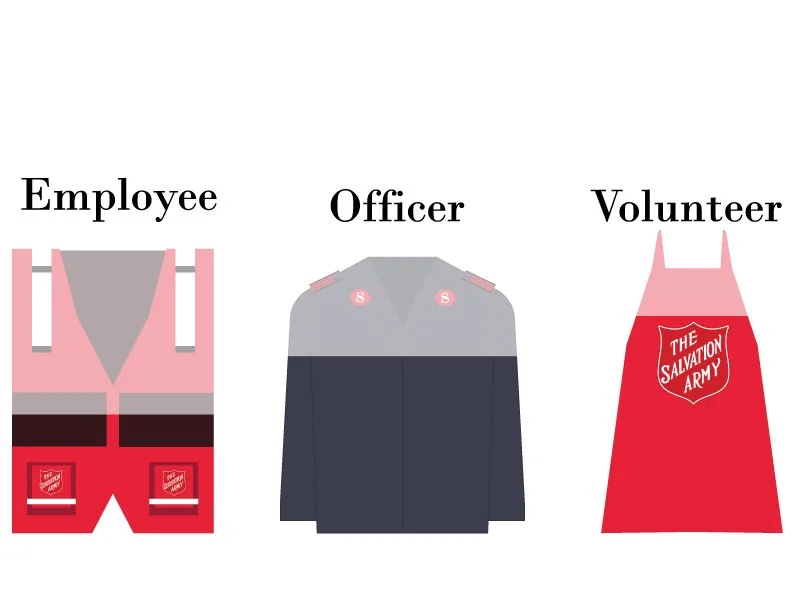
A rough draft of graphs that I worked on to show how many employees, officers and volunteers voted.
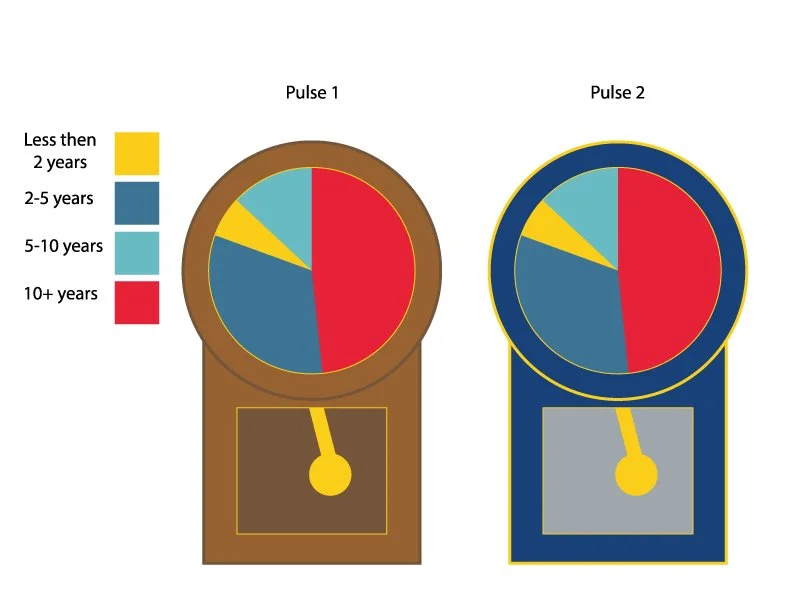
Another rough draft of graphs to show how much time each group had spent with the company.
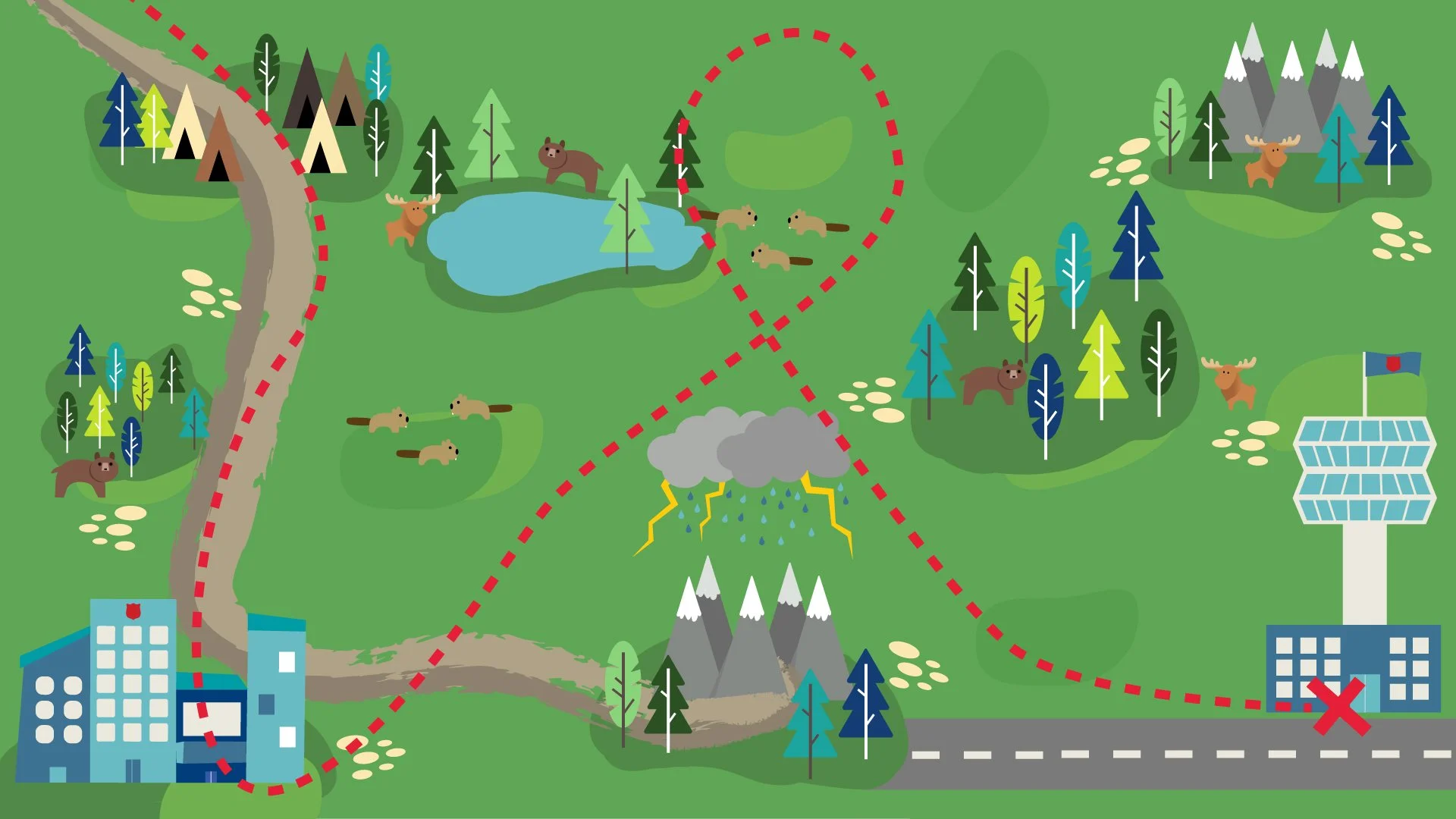
A picture of the wilderness map I made with a dotted path for the paper airplane animation to show at a meeting.
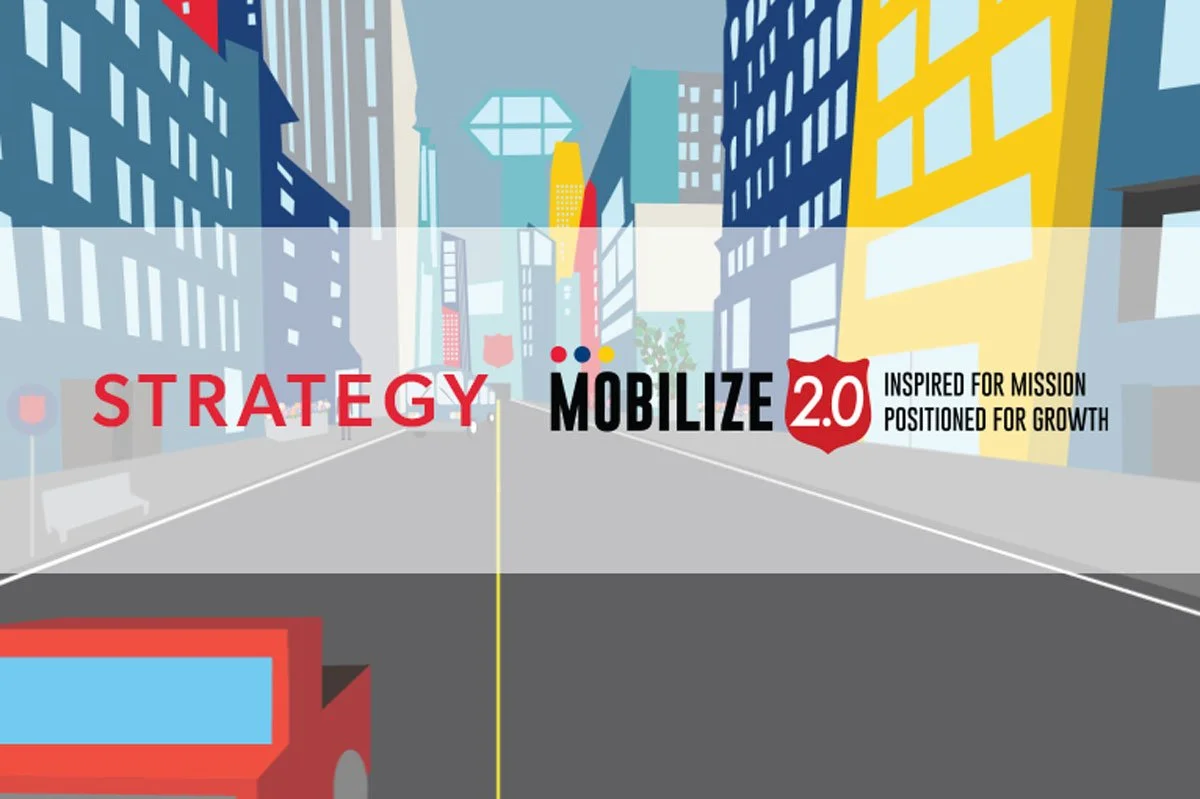
The city animation picture with the video title and Mobilize 2.0 logo to use as a placeholder banner on the website.
Video
Projects from
Southern Alberta School of Technology
Program: New Media Design & Production
These are a few of the video projects I did in College, I haven’t done much video work since I graduated, but it’s still a passion of mine. Concept and editing are the main parts of why I like video projects so much.
A short clip of one of the bigger projects we did at the end of our program - this included making a WordPress site, creating graphics, and filming/editing videos for the site. Alex and I were tasked with making 12 drink videos for the website here are two of the ones we made. We filmed them together and then I edited them.
A quick video showcasing downtown Calgary featuring myself as the ‘artist’. This was a collaboration with my colleges from SAIT. The art in the video was created by me and I helped film the b-roll.
A collection of my work from College. This is an updated showreel from that time. Mainly using Adobe Premier Pro and Adobe After Effects.
This is a short story that we created for a project that needed to have a compelling story for our video class at SAIT. Filming, storyboarding, scripting, editing and audio were all things that we did as a team together.